A simple internal linking strategy using hubs, spokes and topic clusters, so visitors and search engines can find and understand your best pages.
Many websites grow one page at a time. A new service page here, a blog post there, a landing page for a campaign. After a year or two, nothing connects. Good pages sit buried four clicks deep and some have no links pointing to them at all.
Internal linking fixes this, and it is one of the few SEO tasks fully under your control. This guide explains why internal links matter for SEO and gives you a simple, repeatable strategy: the hub and spoke pattern, also called topic clusters.
What internal links are
An internal link is any link from one page on your website to another page on the same website. Your menu, footer, breadcrumbs and the links inside your text are all internal links.
External links (or backlinks) come from other websites. They matter too, but you cannot fully control them. Internal links you can add today.
Why internal linking matters for SEO
Internal links do three jobs:
- Discovery. Search engines find new pages mostly by following links. A page with no internal links (an orphan page) may be crawled rarely or not at all.
- Understanding. Links and their anchor text tell search engines what a page is about and how pages relate to each other. A cluster of linked pages on one topic shows depth.
- Importance. Pages that many other pages link to look more important within your site. Internal links also pass some of the authority your site earns from backlinks to the pages that need it.
They help people too. A visitor reading about website design cost probably wants to know how to choose a web design company next. A well-placed link keeps them on your site and moves them closer to contacting you.
The hub and spoke pattern
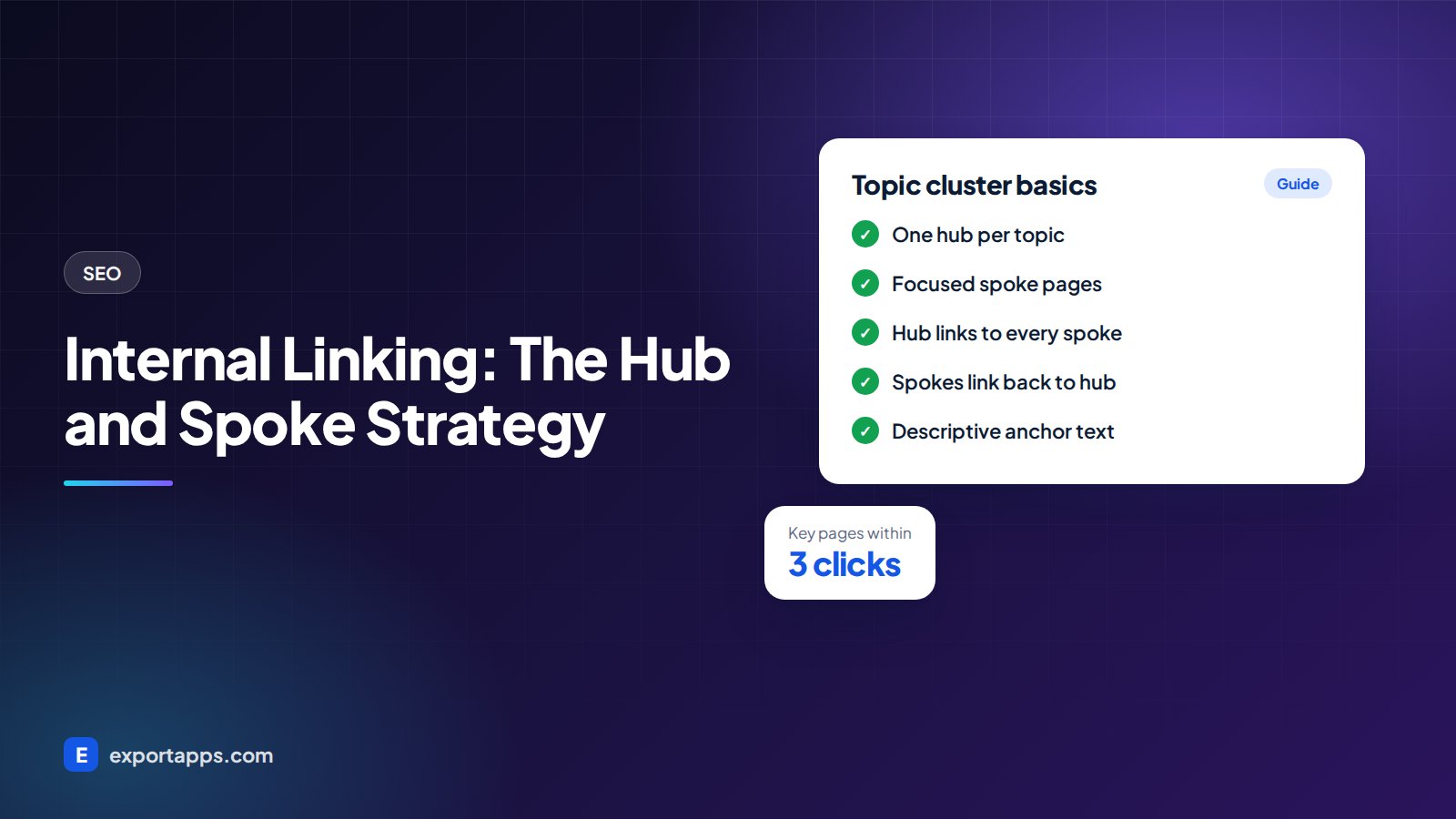
The hub and spoke pattern organizes your content into topic clusters.
- The hub (or pillar page) covers a broad topic in a complete but readable way. For example, a page on SEO services or a guide to what SEO is.
- The spokes are focused pages that go deep on one part of the topic, such as keyword research, local SEO, a technical SEO checklist and how long SEO takes.
The links follow a simple pattern:
- The hub links to every spoke.
- Every spoke links back to the hub.
- Spokes link to each other where it genuinely helps the reader.
- The hub links to the matching service page, and the service page links back.
The result is a tight group of pages that clearly belong together. Search engines can see you cover the topic in depth, and visitors can move around it easily.
You can see this on our own site. The SEO articles all link to each other and to our SEO and growth services page, and the web design articles do the same with web design services.

How to build your internal linking strategy, step by step
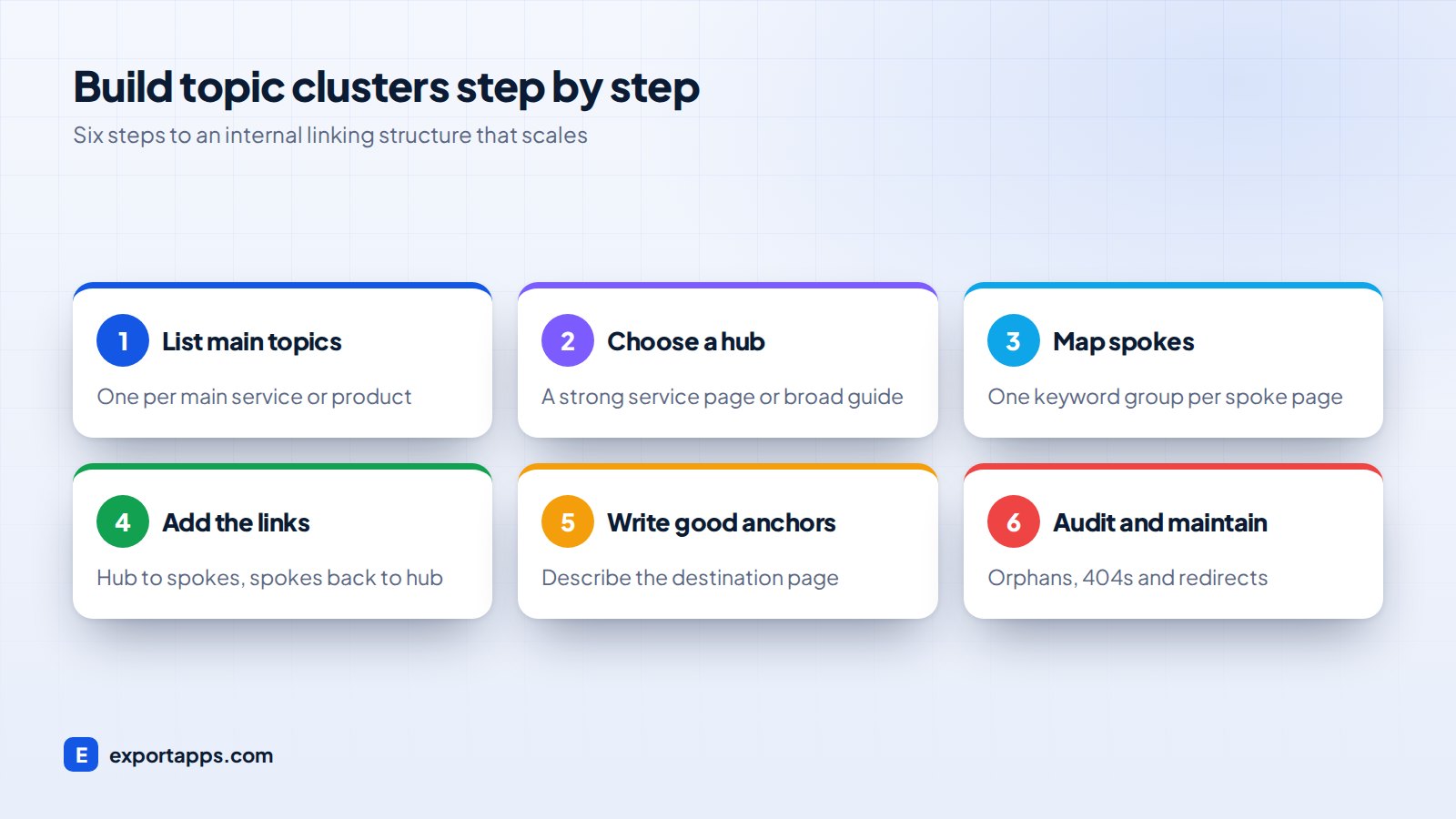
1. List your main topics
Start with what you sell. Each main service or product line is a likely topic: web design, SEO, mobile apps, custom software. Most small businesses have between three and eight.
2. Choose or create a hub for each topic
For each topic, pick the page that should be the main entry point. Often it is a service page. Sometimes it is a broad guide that then links to the service page. Make sure it covers the topic well and is easy to reach from your main menu.
3. Map your spokes using keyword research
Use your keyword map to list the questions and subtopics people search for. Each keyword group becomes a spoke page. Assign each existing article to one hub, and note gaps where a new spoke is needed.
4. Add the links
Now link following the pattern: hub to every spoke, every spoke back to the hub, and spokes to related spokes. Put the most important links in the main body text, where they carry most meaning, not only in sidebars or footers.
A practical habit: each time you publish a new page, add links to it from two or three older related pages. New content gets found faster this way.
5. Write descriptive anchor text
Anchor text is the clickable text of a link. Make it describe the destination:
- Good: "see our guide to technical SEO"
- Weak: "click here" or "read more"
Vary it naturally. You do not need the exact keyword every time, and forcing it reads badly.
6. Audit and maintain
Every few months, run a crawl with a tool like Screaming Frog or check the Links report in Google Search Console. Look for:
- Orphan pages with no internal links.
- Broken internal links (404s).
- Links that go through redirects instead of straight to the final URL.
- Important pages buried many clicks from the homepage.
Internal linking best practices
- Keep important pages close to the homepage. As a rule of thumb, key pages should be reachable within about three clicks.
- Link where it helps the reader. If a link would not be useful to a person, it probably is not useful for SEO either.
- Do not overdo it. A handful of relevant links per article is better than linking every other phrase.
- Use breadcrumbs. They show hierarchy and add helpful links automatically.
- Update old content. Older pages that already rank and have backlinks are great places to add links to newer pages.
- Keep URLs stable. If you change URLs, update internal links, not just redirects. Our website redesign checklist covers this.
Common internal linking mistakes
- Publishing blog posts with no links in or out.
- Using the same "click here" anchor for everything.
- Two pages targeting the same keyword group and linking to each other with the same anchor, which confuses which one should rank.
- Linking to old URLs that now redirect.
- Hiding important links in tabs or scripts that search engines may not follow reliably.
Many of these come from how a site is built and edited. A good content management system makes it easy to add links and spot broken ones; this is one of the factors in WordPress vs a custom website.
Frequently asked questions
How many internal links should a page have?
There is no fixed number. Most articles work well with a handful of relevant links in the body, plus navigation. Focus on usefulness rather than a count.
What is a topic cluster?
A topic cluster is a group of pages on one subject: a broad hub page and several detailed spoke pages, all linked together. It shows search engines you cover the topic in depth.
Do internal links help rankings?
They help search engines find, understand and judge the importance of your pages, which supports rankings. They are not a shortcut on their own, but they make your other SEO work more effective.
Should I link to my service pages from blog posts?
Yes, where it is relevant. Linking helpful articles to the matching service page guides readers to the next step and signals which page is most important for that topic.
Connect your content
Internal linking is simple, free and fully in your control. Pick your hubs, map your spokes, link them together and keep the structure tidy as you grow.
If you want help planning topic clusters or restructuring a site, our SEO and growth team can map it out with you. Book a free consultation and we will give you a clear, fixed quote.