WordPress or a custom build? An honest comparison of cost, speed, SEO, security and flexibility, plus a 6-step way to decide.
You are planning a new website and every agency seems to have a different opinion. One says WordPress is all you will ever need. Another says a custom-built site is the only way to get speed and flexibility. The WordPress vs custom website decision affects your budget, how easily your team can make changes, and what your site can do in three years' time.
This guide compares the two honestly, explains when each one is the right choice, and gives you a simple 6-step process to decide for your business, whether you are based in the USA, UK, Canada or Europe.
What we mean by WordPress and custom
WordPress is an open-source content management system. You install it on hosting, choose or design a theme, and add features with plugins. It powers a very large share of websites, which means there are many developers, themes and plugins available.
A custom website is built for your project using a modern framework or a headless setup, where the content is managed in a separate system and the front end is coded for your exact needs. Nothing is assumed; everything is designed and built for your requirements.
There is also a middle ground: a custom-designed WordPress theme with minimal plugins, or a headless CMS behind a custom front end. Many good projects sit somewhere in between.
When WordPress is the right choice
WordPress is a strong option when:
- Your site is mostly content: pages, services, a blog and contact forms.
- Your team wants to edit pages and publish articles without a developer.
- You need to launch relatively quickly on a modest budget.
- The features you need already exist as well-maintained plugins, such as forms, simple booking or a small online shop.
Watch out for: plugin overload, which slows the site and adds security risk, and cheap themes that look good in a demo but are heavy and hard to change. Regular updates are not optional. A WordPress site that is never updated becomes a security problem.
When a custom website is the right choice
A custom build usually makes sense when:
- Your website is really a product or platform, with user accounts, dashboards, bookings or custom workflows.
- You need deep integrations with your CRM, ERP, inventory or payment systems.
- Performance and security requirements are very high.
- You expect to grow features over time and want full control of the code.
Watch out for: a higher upfront cost and the need for a development partner to make structural changes. Content editing should still be easy, so make sure a proper CMS is part of the plan.
If your website is turning into a web application, read our guides on custom software vs off-the-shelf and web app vs mobile app.
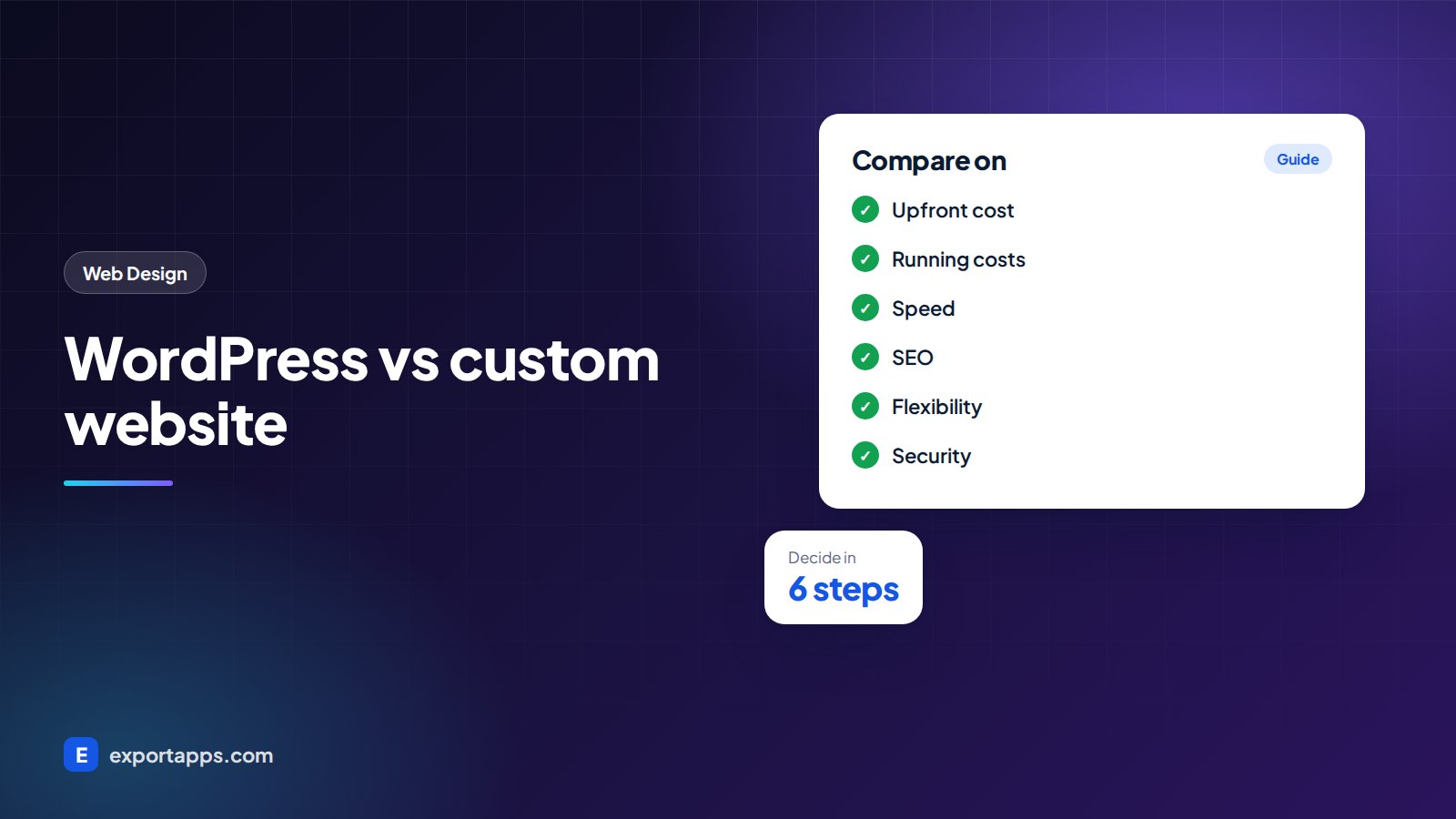
WordPress vs custom website: side by side

Upfront cost
WordPress is usually cheaper to launch, especially with a well-chosen theme. A custom site costs more because every template and feature is designed and built. For typical ranges, see our guide to website design cost in 2026 and, for larger platforms, custom software development cost.
Running costs
WordPress needs regular core, theme and plugin updates, plus some premium plugins have yearly licences. Custom sites have fewer moving parts but need a developer for changes. Over several years, the gap is often smaller than people expect.
Speed
A lean WordPress site can be fast. A WordPress site with a heavy theme and many plugins often is not. Custom sites can be very fast because only the code you need is loaded, but only if they are built well.
SEO
Both can rank well. Search engines care about content, structure, speed and technical health, not the platform name. WordPress has popular SEO plugins that make titles and sitemaps easy. Custom sites need these features built in from the start. Our technical SEO checklist applies to both.
Flexibility
WordPress is flexible within the limits of themes and plugins. A custom website can do anything you can specify, which matters most for unusual features and integrations.
Security
WordPress is popular, so it is a common target for automated attacks, mostly through outdated plugins. Good maintenance solves most of this. Custom sites have a smaller attack surface but still need secure coding, updates and monitoring.
Ownership and lock-in
With WordPress you can move hosting and developers easily. With a custom build, make sure your contract says you own the code and have access to the repository from day one.
How to decide: 6 steps
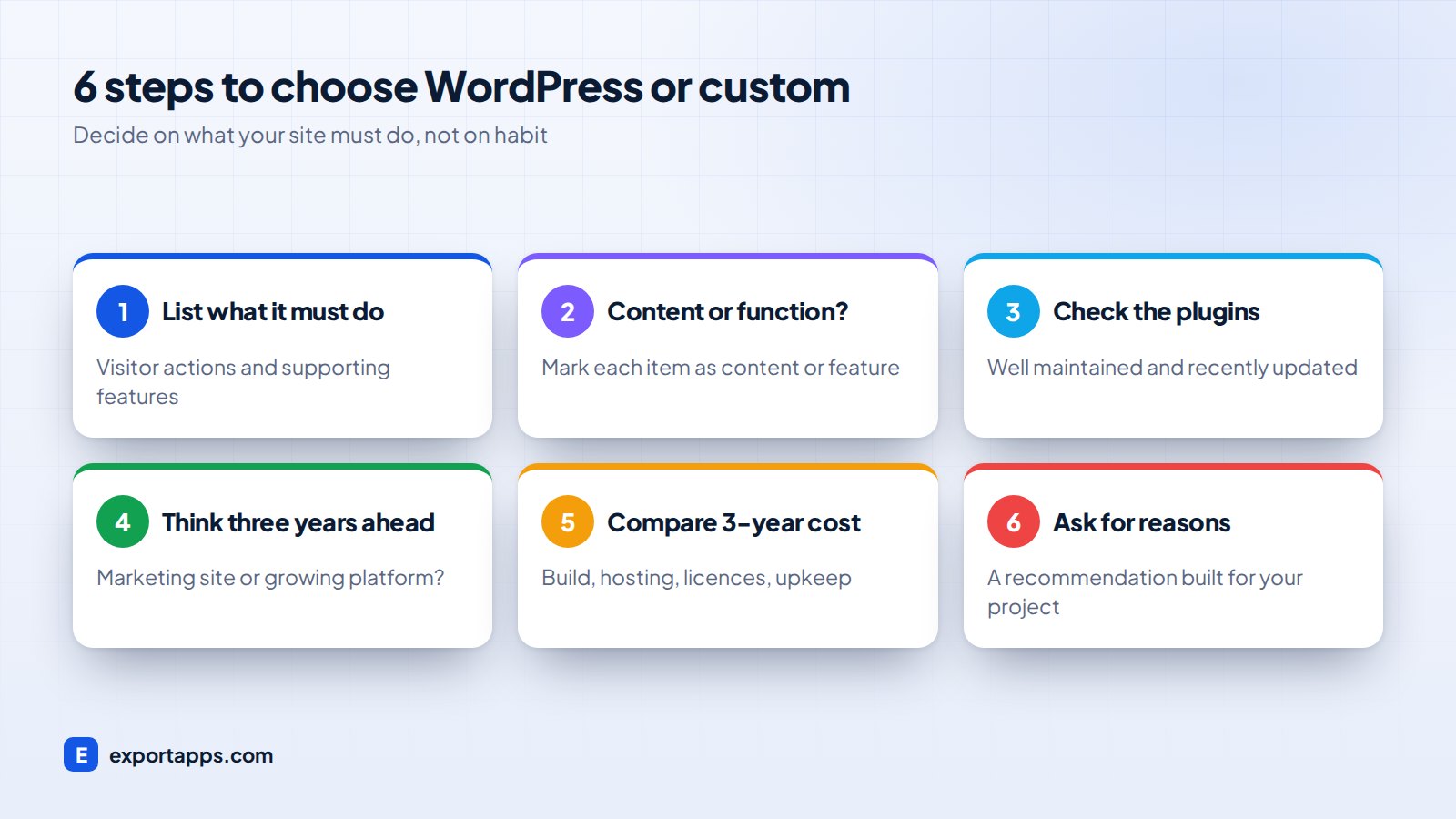
1. Write down what the site must do
List the actions visitors should take and the features that support them. Our list of small business website features helps you check nothing is missing.
2. Separate content from functionality
Mark each item as "content" (pages, articles, images) or "functionality" (logins, bookings, calculations, integrations). Mostly content points towards WordPress. Lots of functionality points towards custom.
3. Check whether plugins can do the job well
For each feature, look for a well-maintained plugin with recent updates and good support. If you need more than a handful of plugins to fake one key feature, custom code may be cleaner.
4. Think three years ahead
Will the site stay a marketing site, or become a portal, marketplace or SaaS product? If you are moving towards a product, our SaaS development guide explains what that path looks like.
5. Compare total cost over three years
Add build cost, hosting, licences, maintenance and expected changes for each option. The cheapest launch is not always the cheapest site to own.
6. Ask for a recommendation with reasons
A good web partner will explain why they recommend one option for your project, not just the one they always build. Our guide on how to choose a web design company lists the questions to ask.
A quick rule of thumb
- Choose WordPress if your site is mainly a marketing site, your budget is modest and your team wants to publish content easily.
- Choose custom if your site is central to how you deliver your service, needs deep integrations or has features no plugin does well.
- Consider a hybrid if you want WordPress-style editing with a fast, custom front end.
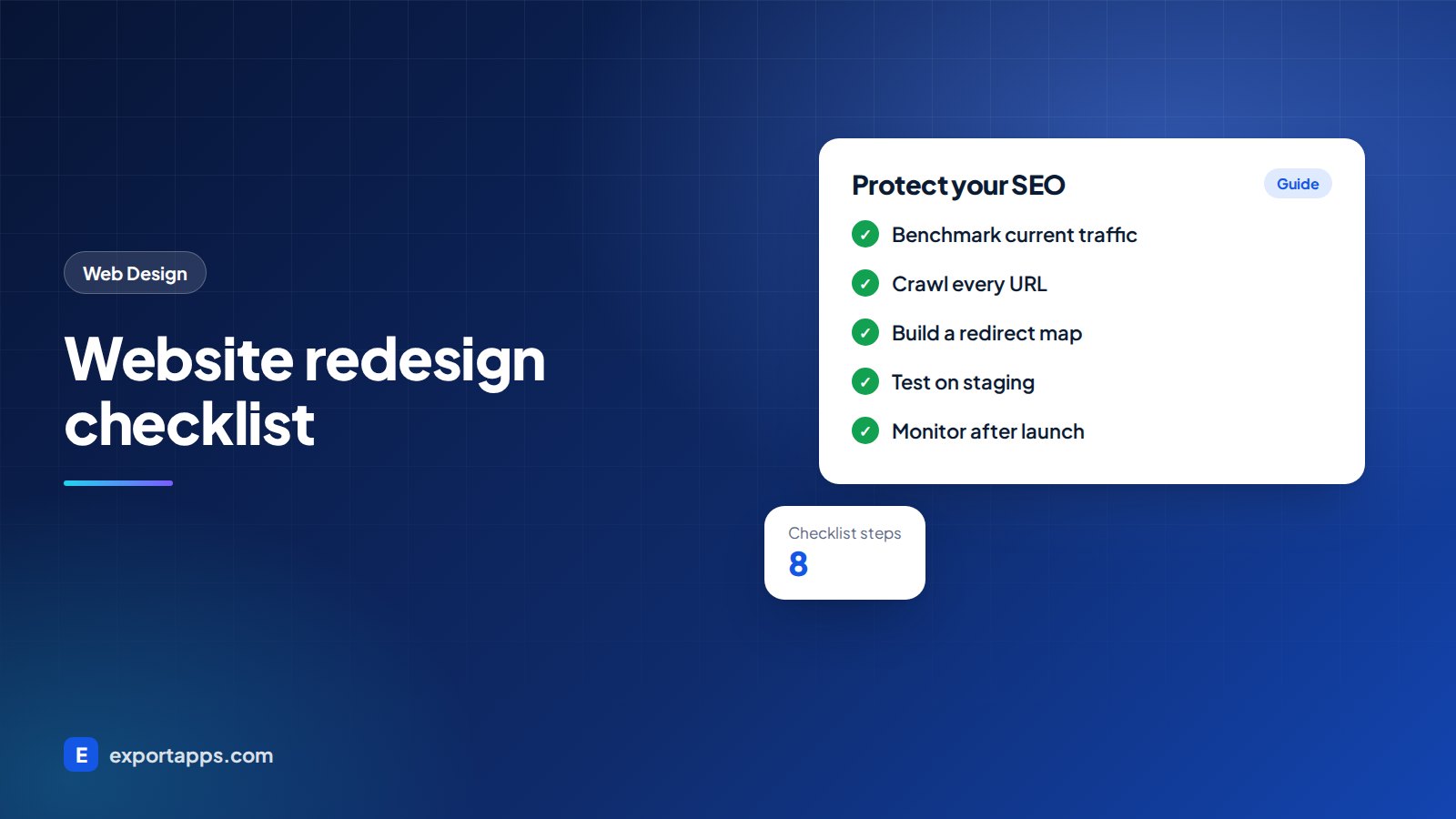
If you are moving from an old WordPress site to a custom build, or the other way round, protect your search traffic with our website redesign checklist.
Frequently asked questions
Is WordPress good for small business websites?
Yes, for many small businesses WordPress is a good, cost-effective choice, especially for content-focused sites. Keep plugins to a minimum, choose a quality theme and keep everything updated.
Is a custom website better for SEO than WordPress?
Not automatically. Both can perform well in search. What matters is content quality, site structure, speed and technical setup. A well-built site on either platform can do well, and neither guarantees rankings.
Is a custom website more secure than WordPress?
A custom site has fewer common targets, but security depends on how it is built and maintained. A well-maintained WordPress site can be very secure, and a poorly built custom site can be vulnerable.
Can I switch from WordPress to a custom website later?
Yes. Many businesses start on WordPress and move to a custom build as their needs grow. Plan the move carefully with redirects and content mapping so you do not lose search traffic.
Get an honest recommendation
At Export Apps we build both WordPress and custom websites, so we recommend the option that fits your goals and budget, not the one we prefer to build. You get a clear, fixed quote before work begins. See our web design and web platform services or book a free consultation.