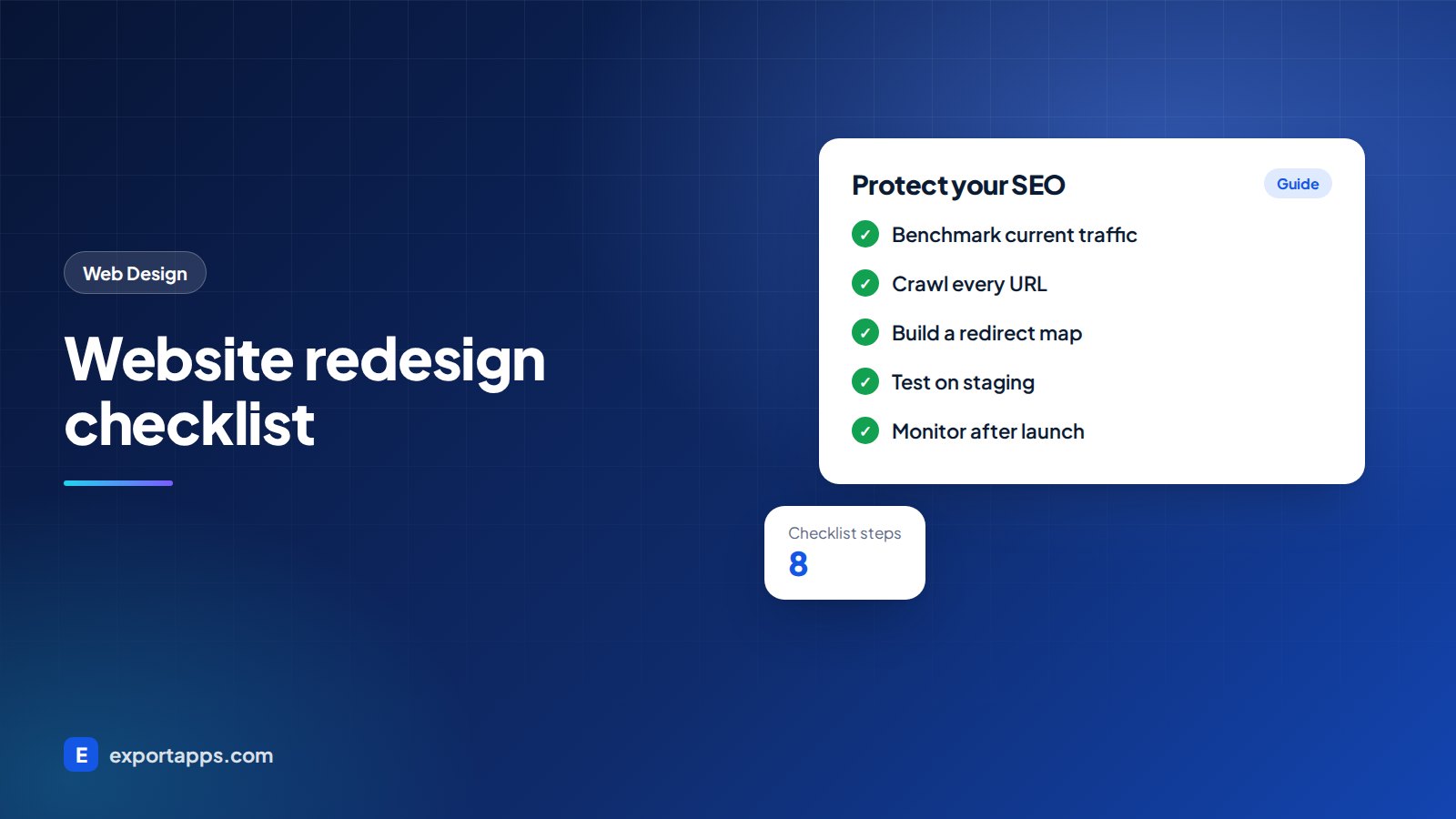
A redesign should bring more customers, not less traffic. Follow this 8-step checklist to protect your SEO before, during and after launch.
A new website should bring in more customers, not fewer. Yet many businesses launch a beautiful redesign and then watch their search traffic drop for weeks or months. The cause is usually not the design. It is missed steps: deleted pages, changed URLs without redirects, or content that quietly disappeared.
This website redesign checklist walks you through everything to do before, during and after launch so you can refresh your site without losing the SEO you have built. It is written for business owners and marketing managers in the USA, UK, Canada and Europe, and you can share it directly with your web team.
Why redesigns lose traffic
Search engines have learned which of your pages answer which questions. A redesign can break that knowledge in several ways:
- URLs change and the old addresses return a "404 not found" error.
- Content is cut because it "looked cluttered", including pages that brought in visitors.
- Page titles and headings change and no longer match what people search for.
- Internal links break or disappear from menus.
- The new site is slower because of heavy images, scripts or animations.
- The staging site is left blocked from search engines after launch.
The good news: every one of these is preventable with a clear plan. If you are new to the basics, read what SEO is first.
Before you start: decide if you need a redesign
Not every problem needs a full rebuild. Sometimes better content, faster hosting or a few new pages will do. A full redesign usually makes sense when:
- The site is hard to update or built on outdated technology.
- It does not work well on phones.
- Your brand, services or target markets have changed.
- Visitors arrive but do not contact you, and small fixes have not helped.
If you go ahead, budget for the work with our guide to website design cost in 2026.
The website redesign checklist: 8 steps

1. Benchmark your current site
Before touching anything, record how the current site performs so you can compare after launch:
- Organic traffic, leads and sales from analytics for the last 12 months
- Top landing pages from search
- Search queries and positions from Google Search Console
- Page speed for key templates
- Number of indexed pages
Export these reports and save them. You cannot measure a drop, or a gain, without a baseline.
2. Crawl and list every URL
Use a crawler tool to list every page, image and file on the current site. Combine it with your analytics and Search Console data so you know which URLs actually get traffic or have links from other websites. This list is the foundation of your redirect plan.
3. Decide what to keep, improve, merge or remove
Go through the list and mark each page:
- Keep: pages that perform well. Keep their content and, ideally, their URL.
- Improve: useful pages that need better content.
- Merge: thin or duplicate pages that should become one stronger page.
- Remove: outdated pages with no traffic or links. These still need a redirect or a deliberate "gone" status.
Be careful with pages that rank well. Shortening or rewriting them heavily can change how search engines see them.
4. Build a redirect map
Create a simple spreadsheet with two columns: old URL and new URL. Every old page that has a new home gets a permanent (301) redirect to the most relevant new page. Avoid sending everything to the home page, as that wastes the value of the old page.
Check redirect chains too: old URL to new URL in one step, not through three hops.
5. Keep on-page SEO intact
For each kept or improved page, carry over or improve:
- Page title and meta description
- The main H1 heading and subheadings
- Body content, especially sections that answer search questions
- Image alt text
- Structured data such as business details, reviews or FAQs
Use the new site structure to strengthen internal linking between related pages, so important pages are never more than a few clicks from the home page.
6. Test on a staging site
Build and review the new site on a private staging address. Keep it blocked from search engines while you work, then test:
- All redirects from your map
- Every form, booking tool and checkout
- Mobile layout and page speed
- Broken links and missing images
- Analytics, tag manager and cookie consent (GDPR, UK GDPR, CCPA or PIPEDA as needed)
Our technical SEO checklist has a full list of checks.
7. Launch carefully
Pick a quiet day, not Friday afternoon or your busiest season. On launch day:
- Remove the "noindex" setting and any password protection from staging.
- Check that the robots.txt file does not block the site.
- Switch on redirects and test a sample of the most important old URLs.
- Submit the new XML sitemap in Google Search Console and Bing Webmaster Tools.
- Confirm analytics is tracking visits and conversions.
8. Monitor and fix for 8 to 12 weeks
Some movement in rankings after a redesign is normal while search engines re-crawl the site. Watch closely:
- 404 errors in Search Console, and add redirects where needed
- Traffic to your top landing pages compared with your benchmark
- Leads and conversions, not only visits
- Page speed on real devices
Small issues fixed in the first weeks rarely become big problems. Our guide on how long SEO takes explains what kind of timelines are realistic.
What to protect vs what you can safely change

Protect: URLs of pages that bring in traffic, the content that answers search questions, page titles and headings, internal links to key pages, and your structured data.
Safe to change: colors, fonts, images, layout, navigation design and brand voice, as long as the substance of each important page stays and the site stays fast.
Platform changes need extra care
Moving platform, for example from a page builder to WordPress, or from WordPress to a custom build, usually changes URL patterns, image paths and templates all at once. Plan more time for crawling, redirects and testing. If you are still deciding, read WordPress vs custom website before you commit.
Redesigns are also a good moment to plan the features you are missing. See our list of small business website features and how a structured website design process keeps the project on track.
Frequently asked questions
Will a website redesign hurt my SEO?
It does not have to. Most traffic losses come from missing redirects, removed content and technical mistakes at launch. With a benchmark, a redirect map and careful testing, many redesigns hold or improve their search visibility, though no one can guarantee results.
How long does it take for rankings to settle after a redesign?
Small fluctuations in the first few weeks are common while search engines re-crawl the site. If traffic is still well below your benchmark after a couple of months, review redirects, content changes and technical errors.
Should I keep the same URLs when I redesign?
Where possible, yes, especially for pages that get traffic or links. If URLs must change, set up a permanent (301) redirect from each old URL to the most relevant new page.
What is the most common website redesign mistake?
Launching without a redirect plan. Old pages return errors, links from other websites stop working and the traffic those pages earned can be lost.
Redesign with confidence
At Export Apps we redesign websites for businesses in the USA, UK, Canada and Europe with SEO protection built into the plan, from benchmark to post-launch monitoring. You get a clear, fixed quote before we start. See our web design services and SEO services, or book a free consultation.