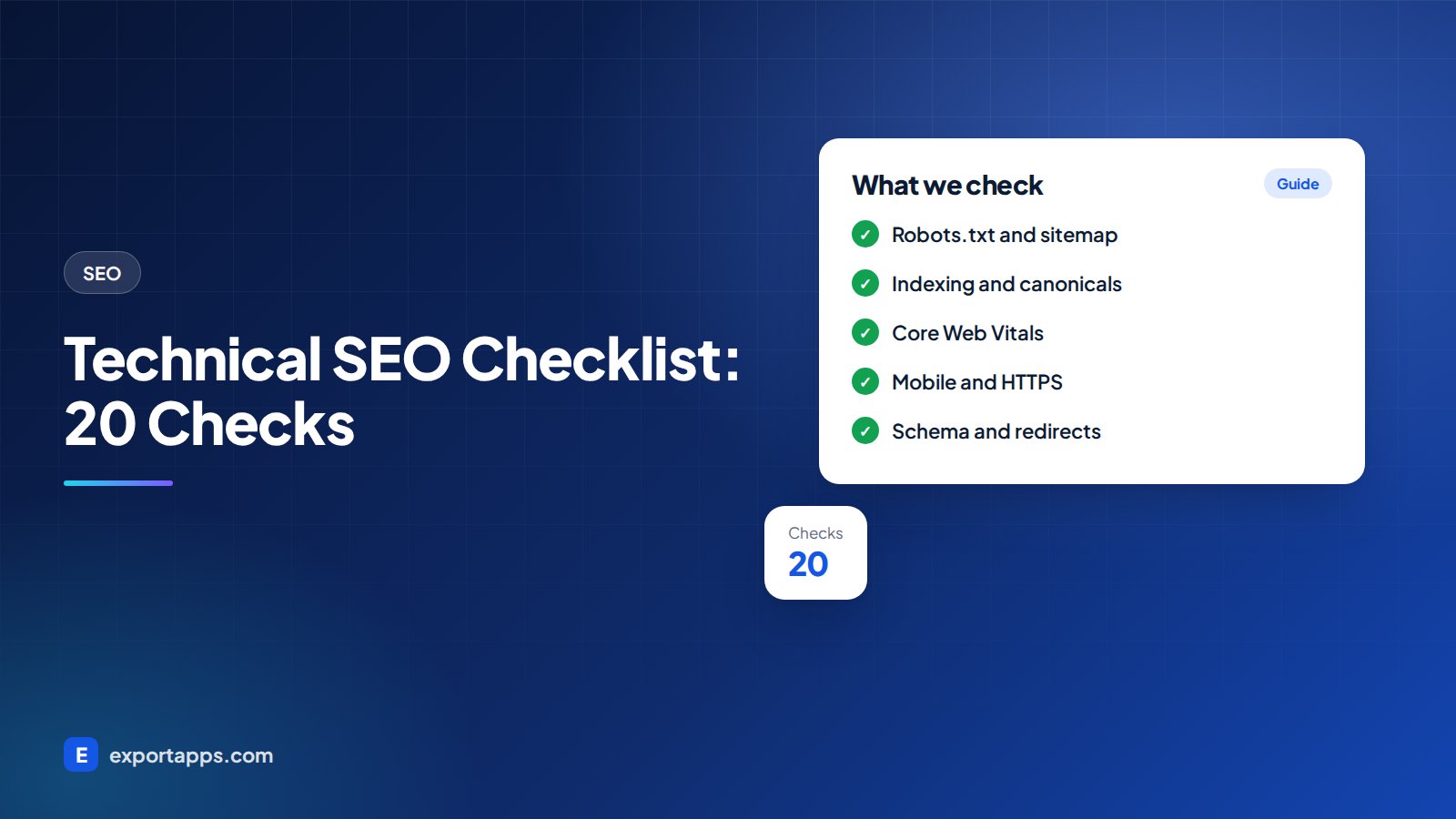
A practical technical SEO checklist: crawling, indexing, speed, mobile, security, structured data and redirects, in the order we check them.
You can write the best content in your industry and still struggle in search if Google cannot crawl, understand or load your pages properly. Technical problems are often invisible to you and your visitors, but they quietly hold the whole site back.
This technical SEO checklist gives you 20 practical checks in the order we run them on client sites. Some you can do yourself with free tools. Others you will want to hand to your developer.
What technical SEO covers
Technical SEO is the part of SEO that deals with the website itself rather than the words on it. It answers four questions:
- Can search engines find your pages?
- Can they index them, and are they indexing the right ones?
- Do pages load and work well, especially on phones?
- Do search engines understand what each page is and how pages relate?
Tools you need (all free)
- Google Search Console: indexing, Core Web Vitals, mobile and security reports.
- Bing Webmaster Tools: similar data for Bing, plus a useful site scan.
- PageSpeed Insights: speed and Core Web Vitals for any URL.
- A crawler: Screaming Frog has a free version for small sites and finds broken links, redirects and missing tags.
The technical SEO checklist

1. Crawling
- 1. Check robots.txt. Visit yoursite.com/robots.txt. Make sure it is not blocking important pages, folders, CSS or JavaScript. A leftover "Disallow: /" from a staging site is a surprisingly common disaster.
- 2. Submit an XML sitemap. Your sitemap should list only the pages you want indexed, and be submitted in Search Console and Bing Webmaster Tools.
- 3. Fix broken internal links. Run a crawl and fix links that return 404 errors. Each one is a dead end for visitors and crawlers.
- 4. Check orphan pages. Pages with no internal links pointing to them are hard to find. Link them from relevant pages; our internal linking guide explains how.
2. Indexing
- 5. Review the Pages report in Search Console. It shows which pages are indexed and why others are not. Focus on important pages marked "Crawled, currently not indexed" or "Discovered, currently not indexed".
- 6. Look for stray noindex tags. A noindex tag on a key page removes it from Google. Check templates and plugin settings.
- 7. Set canonical tags. When similar versions of a page exist (tracking parameters, filters, print versions), a canonical tag tells search engines which URL is the main one.
- 8. Choose one version of your domain. http and https, www and non-www should all redirect to a single version.
- 9. Handle duplicate and thin content. Merge near-identical pages, and either improve or remove pages with almost nothing on them.
3. Speed and Core Web Vitals
- 10. Check Core Web Vitals. Google measures three: Largest Contentful Paint (loading), Interaction to Next Paint (responsiveness) and Cumulative Layout Shift (visual stability). Search Console shows how real visitors experience your pages.
- 11. Compress and size images. Use modern formats such as WebP or AVIF, size images to how they are displayed and lazy-load images below the fold.
- 12. Reduce heavy scripts. Chat widgets, tracking tags, sliders and page-builder add-ons all add weight. Remove what you do not use.
- 13. Use good hosting and caching. A fast server, caching and a content delivery network (CDN) help visitors in the USA, UK, Canada and Europe alike. Our cloud and DevOps team often starts here.
4. Mobile and security
- 14. Test on real phones. Google primarily uses the mobile version of your site for indexing. Text should be readable, buttons easy to tap and nothing hidden on mobile that matters.
- 15. Use HTTPS everywhere. Every page should load securely, with no "mixed content" warnings from images or scripts loaded over http.
- 16. Check the Security issues report. Hacked pages and malware can drop a site out of search quickly.
5. Structure and understanding
- 17. Use clean, readable URLs. Short, lowercase, words separated by hyphens, and a logical folder structure, such as /services/web-design/.
- 18. One H1 and a unique title per page. Each page needs a unique title tag and meta description that match its keyword group. See our keyword research guide for mapping.
- 19. Add structured data. Schema markup such as Organization, LocalBusiness, Product, Article, FAQ and Breadcrumb helps search engines understand your content. Test it with Google's Rich Results Test. Note that adding schema does not guarantee rich results.
- 20. Fix redirect chains and 404s from old URLs. Old pages should redirect once (301) to the closest new page, not hop through several redirects or land on the homepage.

How to prioritize what you find
A first audit often finds dozens of issues. Do not try to fix them all at once. Sort them like this:
- Blockers: anything stopping important pages being crawled or indexed (robots.txt, noindex, broken redirects, hacked pages). Fix immediately.
- High impact: slow key pages, poor mobile experience, duplicate versions of important pages, missing titles.
- Improvements: schema, image tweaks, minor redirect chains, small internal link fixes.
Then re-check in Search Console. Some reports take days or weeks to update after a fix.
Technical SEO and your platform
Many technical issues come from how a site is built. Heavy themes, too many plugins, slow hosting and page builders that output messy code are common causes. A well-built custom site can avoid most of them from the start, although a carefully maintained WordPress site can perform very well too. We compare the two in WordPress vs a custom website.
If you are planning a rebuild, technical SEO belongs in the project plan, not after launch. Our website redesign checklist covers URL mapping and redirects so you do not lose rankings, and the website design process shows where each step fits.
A simple monthly routine for small sites
You do not need a full audit every month. For a small business site, a short routine catches most problems early:
- Open Search Console and check the Pages, Core Web Vitals and Security issues reports for new warnings.
- Look at any pages that suddenly lost clicks or impressions and check they still load and are indexed.
- Run a quick crawl to spot new broken links or redirects, especially after adding or removing pages.
- Test your most important page on a phone, including the contact form or checkout.
It takes under an hour and stops small issues from turning into lost rankings.
When to run a technical audit
- Before and after any redesign, migration or platform change.
- When traffic drops suddenly without an obvious reason.
- Every six to twelve months as routine maintenance.
- When you add large numbers of new pages, such as a product catalog.
Frequently asked questions
What is the difference between technical SEO and on-page SEO?
Technical SEO is about the site: crawling, indexing, speed, security and structure. On-page SEO is about each page's content: titles, headings, text and images.
Can I do technical SEO myself?
You can do the basics with Search Console, PageSpeed Insights and a free crawler. Fixes to templates, hosting, redirects and code usually need a developer.
How much does a technical SEO audit cost?
It depends on site size and complexity. Typical ranges are in our guide to SEO services cost. Your project may differ.
How long until technical fixes show results?
Search engines need to recrawl your pages first. Small sites can see changes within weeks; larger sites take longer. Read how long SEO takes for more detail.
Fix the foundations first
Technical SEO is not glamorous, but it decides whether all your other SEO work can pay off. Work through the checklist, fix blockers first and recheck regularly.
If you want experts to run the audit and make the fixes, our SEO and growth team works alongside our developers to do both. Book a free consultation and we will give you a clear, fixed quote.