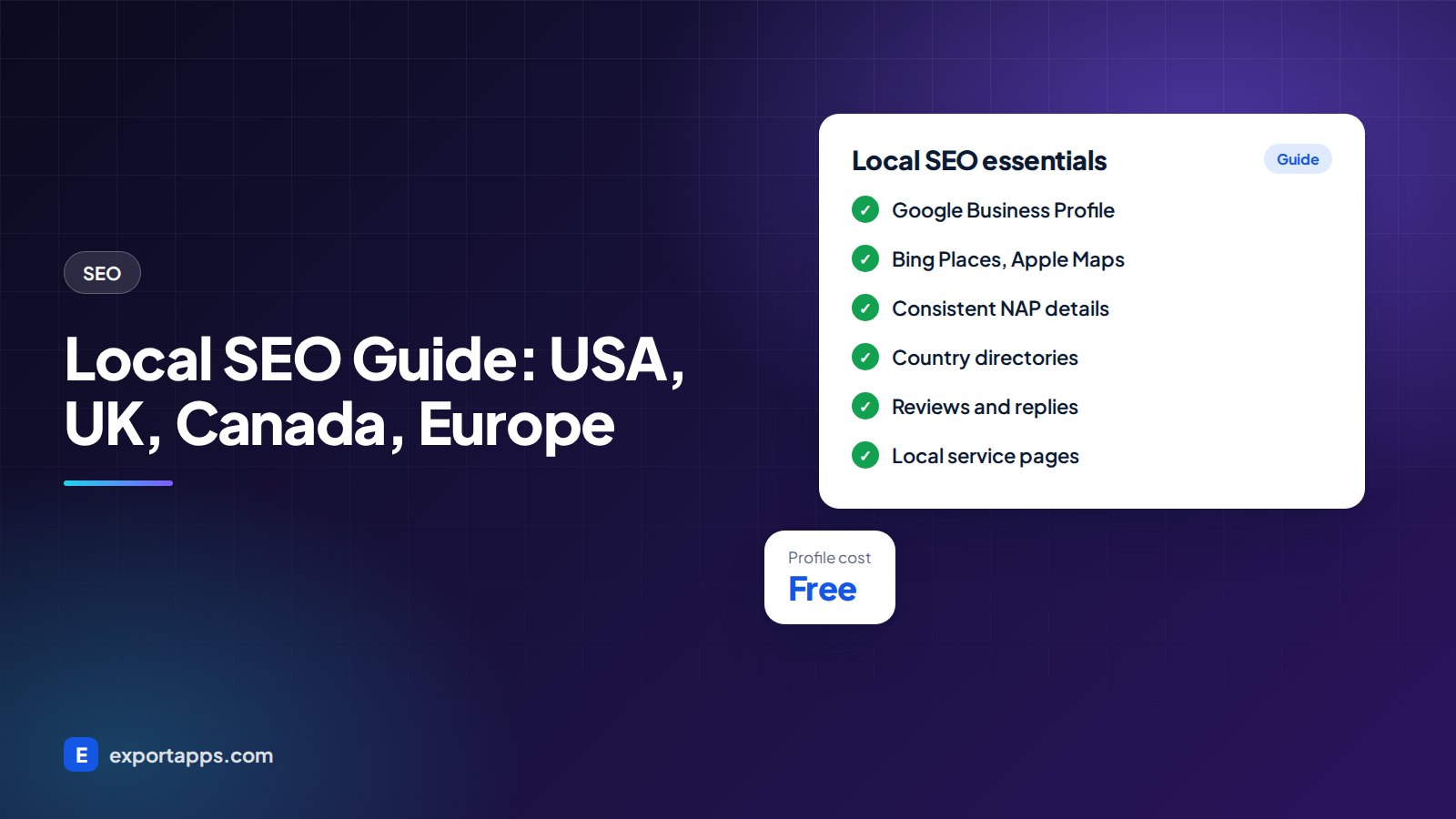
How to show up in the map pack and local results: Google Business Profile, directory citations by country, reviews and local pages, step by step.
When someone nearby searches "plumber near me", "dentist in Manchester" or "IT support Calgary", Google shows a map with three businesses and then a list of websites. If your business is not in that map, you are invisible to the customers most ready to buy. Local SEO is how you get there.
This local SEO guide explains what drives local rankings and gives you a step-by-step process that works in the USA, UK, Canada and Europe, including the directories that matter in each country.
What local SEO is
Local SEO is the part of search engine optimization focused on searches with a location in mind. Some include a place name ("bakery Leeds"), some say "near me", and many have no location at all but Google still assumes the searcher wants something close by.
For these searches Google usually shows two things:
- The local pack (map pack): a map with a short list of businesses, taken from Google Business Profile.
- Organic results: normal website listings, often local service pages and directories.
Good local SEO targets both.
The three things Google looks at
Google has said publicly that local results are based mainly on three factors:
- Relevance: how well your profile and website match what the person searched.
- Distance: how far your business is from the searcher or the location in the search.
- Prominence: how well known and trusted your business is, which includes reviews, links, mentions and your overall web presence.
You cannot move your office closer to every customer. You can make your business more relevant and more prominent. That is what the steps below do.
Step-by-step local SEO process
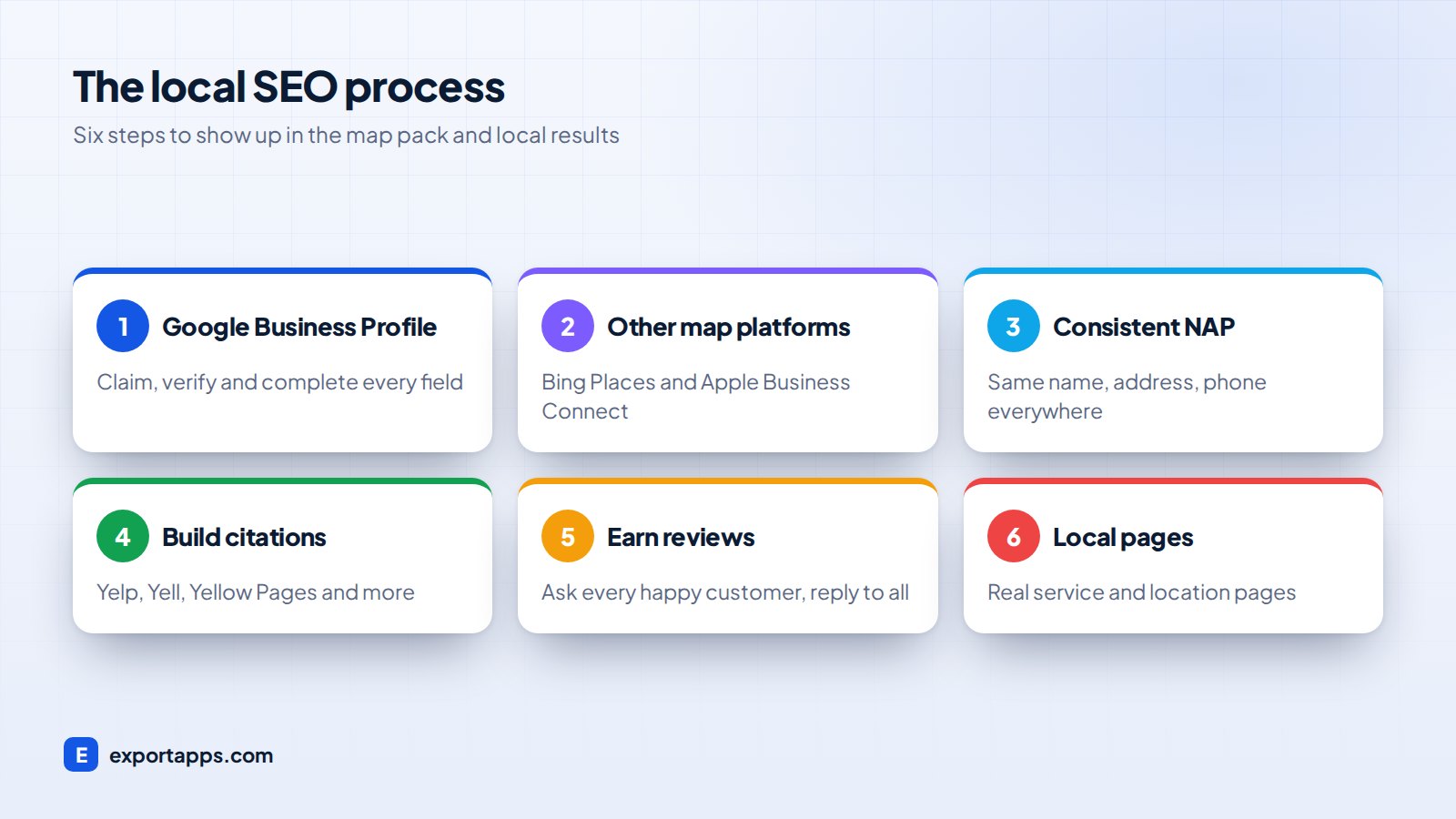
1. Claim and complete your Google Business Profile
Google Business Profile (formerly Google My Business) is free and is the single most important local SEO asset. Claim or create it at google.com/business and verify it.
Then fill in every field:
- Business name: your real name only. Adding keywords or locations to the name breaks Google's guidelines and can get your profile suspended.
- Primary category: choose the most specific one, for example "Family law attorney" rather than "Lawyer". Add a few secondary categories.
- Address or service area: if customers visit you, show the address. If you travel to them (cleaners, electricians), set a service area and hide the address.
- Hours, phone, website, services and products.
- Photos: real photos of your team, premises and work.
- Description: a plain summary of what you do and where.
Keep it alive. Post updates, add new photos and answer questions. An active, complete profile gives Google more to work with.
2. Set up the other map platforms
Google is the biggest, but not the only one. Claim Bing Places for Business (it can import from Google) and Apple Business Connect, which feeds Apple Maps and Siri on iPhones. Both are free and take minutes.
3. Make your NAP consistent everywhere
NAP stands for Name, Address, Phone. It should be written the same way on your website, your Google profile and every directory. "Suite 4, 10 High St" in one place and "10 High Street, Unit 4" in another is a small difference, but across dozens of listings it creates doubt about which details are correct.
Put your NAP in your website footer and on your contact page, and use LocalBusiness structured data (schema) so search engines read it reliably. Our technical SEO checklist covers schema basics.
4. Build citations in the right directories for your country
A citation is any online mention of your business name, address and phone. Start with the major general directories in your country, then add industry and city ones.
USA
- Yelp
- Better Business Bureau (BBB)
- Yellow Pages (yellowpages.com)
- Nextdoor for neighborhood businesses
- Industry sites such as Angi for home services, Avvo for lawyers, Healthgrades for medical practices
UK
- Yell.com
- Thomson Local
- Yelp UK
- Trustpilot for reviews
- Trade sites such as Checkatrade or TrustATrader for tradespeople
Canada
- Yellow Pages Canada (yellowpages.ca)
- Canada411
- Yelp Canada
- HomeStars for home services
- Your local Chamber of Commerce directory
Europe
Each country has its own established directories, for example Gelbe Seiten and Das Örtliche in Germany, PagesJaunes in France, Páginas Amarillas in Spain, PagineGialle in Italy and Golden Pages in Ireland. Add any national industry association listing as well.
Quality beats quantity. Twenty accurate listings on real, relevant directories are worth more than hundreds of spammy ones.
5. Earn reviews and reply to every one
Reviews influence both rankings and whether people click. Build a simple habit:
- Ask every happy customer, at the moment they are happiest (job finished, product delivered).
- Send a direct link to your Google review form by email or text.
- Reply to every review, good or bad, politely and quickly.
Never buy reviews, write them yourself or offer rewards only for positive ones. Fake reviews break platform rules, and regulators including the FTC in the USA and the CMA in the UK have taken a firm line on them. In Canada and the EU, consumer protection rules also treat misleading reviews seriously.
When you collect customer emails or phone numbers to request reviews, handle them in line with privacy rules such as GDPR, UK GDPR, PIPEDA or CCPA. Our guide to privacy-compliant software explains the basics.
6. Create local pages on your website
Your Google profile links to your website, and the website carries a lot of the relevance signal. Make sure you have:
- A clear page for each main service, mentioning the area you serve.
- A separate location page for each real office or branch, with its own address, hours, map and local details.
- Genuinely useful local content, such as project examples in specific towns or answers to questions customers in your area ask.
Avoid copying one page fifty times with only the town name changed. Thin "doorway" pages like this tend to perform badly and can hurt the whole site. If you serve many areas, focus on the ones that matter most and make each page genuinely different.
Use keyword research to find how people in your area phrase searches, and link your service and location pages together with a clear internal linking structure.

Your website still matters
A local business with a slow, outdated website will struggle even with a perfect Google profile. Visitors land on the site, and if it is hard to use on a phone they go back and pick a competitor.
Check that your site loads quickly on mobile, shows your phone number prominently and makes it easy to call, book or get directions. Our list of must-have small business website features is a good benchmark, and our guide to website design cost helps if it is time for a rebuild.
Common local SEO mistakes
- Keyword stuffing the business name on Google Business Profile.
- Using a virtual office or PO box where Google does not allow it.
- Different phone numbers or old addresses on old directory listings.
- Ignoring negative reviews instead of answering them calmly.
- Creating a profile and never touching it again.
How long does local SEO take?
Fixing your profile and listings can improve visibility within weeks for less competitive searches. Competitive city markets take longer, often several months of steady reviews, content and links. Read how long SEO takes for a realistic timeline, and SEO services cost if you are budgeting for outside help.
Frequently asked questions
Is Google Business Profile free?
Yes. Creating, verifying and updating a Google Business Profile is free. Google also sells ads that can appear in the map results, but they are optional.
Can I rank locally without a physical address?
Yes, if you serve customers at their location. Set a service area on your profile and hide your address. You will usually rank most strongly close to where your business is verified.
Which directories matter most?
Start with Google, Bing and Apple, then the main national directories for your country (for example Yelp in the USA, Yell in the UK and Yellow Pages in Canada) and then the leading sites for your industry.
How many reviews do I need?
There is no fixed number. Aim for a steady flow of genuine, recent reviews, and compare yourself with the businesses already showing in the local pack for your main searches.
Get found by local customers
Local SEO is mostly consistency: a complete profile, accurate listings, a steady flow of reviews and a website that turns visitors into calls. Do these well and keep at it.
If you want a team to handle it, our SEO and growth services cover local SEO across the USA, UK, Canada and Europe. Book a free consultation and we will give you a clear, fixed quote.