Paper forms, WhatsApp orders and messy spreadsheets slow you down. Here is a step-by-step plan to move your business online without disruption.
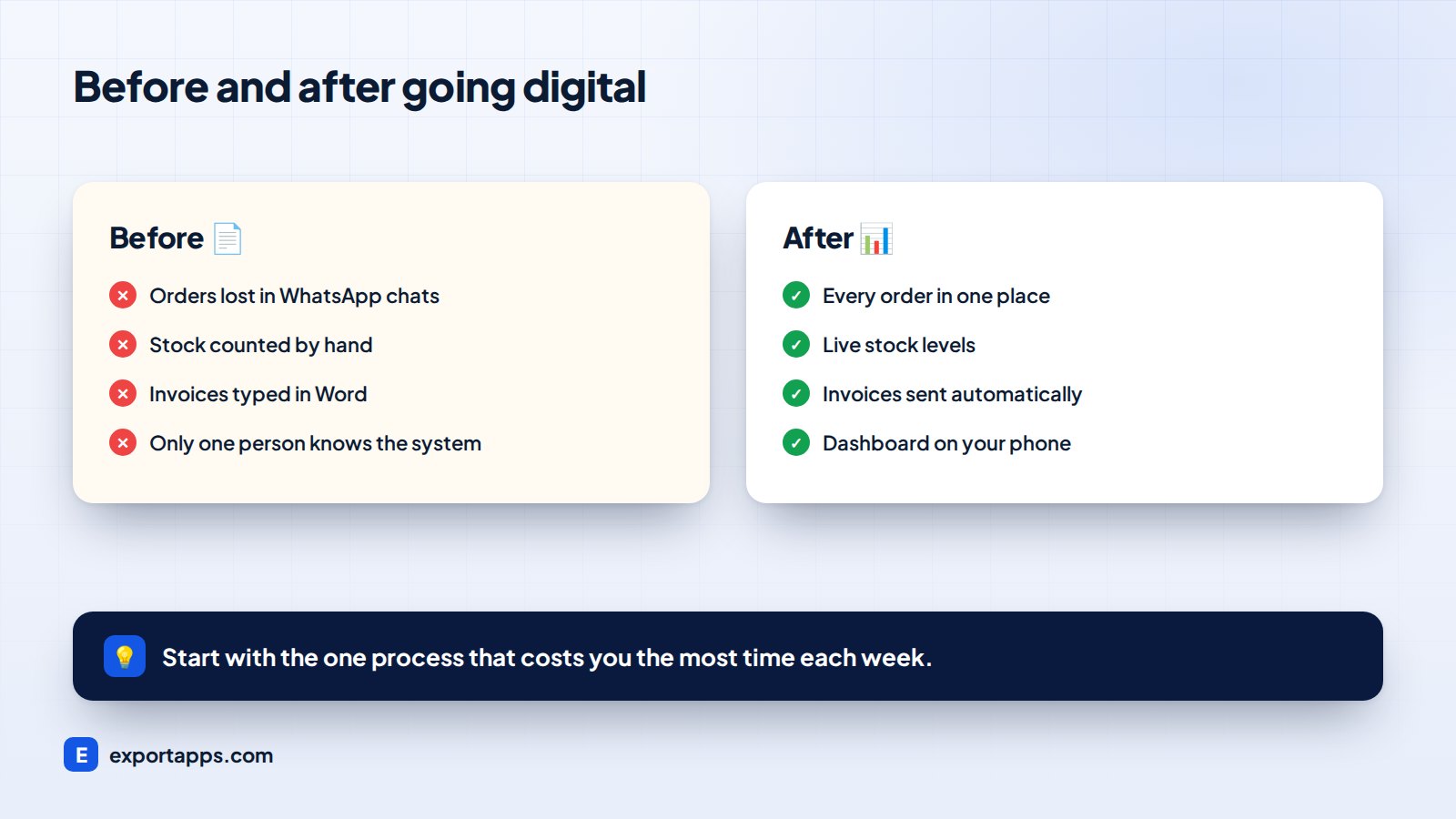
Many successful businesses still run on paper forms, WhatsApp messages and spreadsheets that only one person understands. It works, until it does not: orders get lost, nobody knows the real stock level, and the owner cannot take a day off.
Moving to online software fixes this. Here is a practical plan to do it without disrupting your daily work.
Signs it is time to go digital
- Orders or bookings are missed or entered twice
- You find out about problems days later
- Staff spend hours each week copying data between sheets
- Only one person knows how things work
- Customers ask for online ordering, tracking or payments
- You cannot see today's sales without asking someone
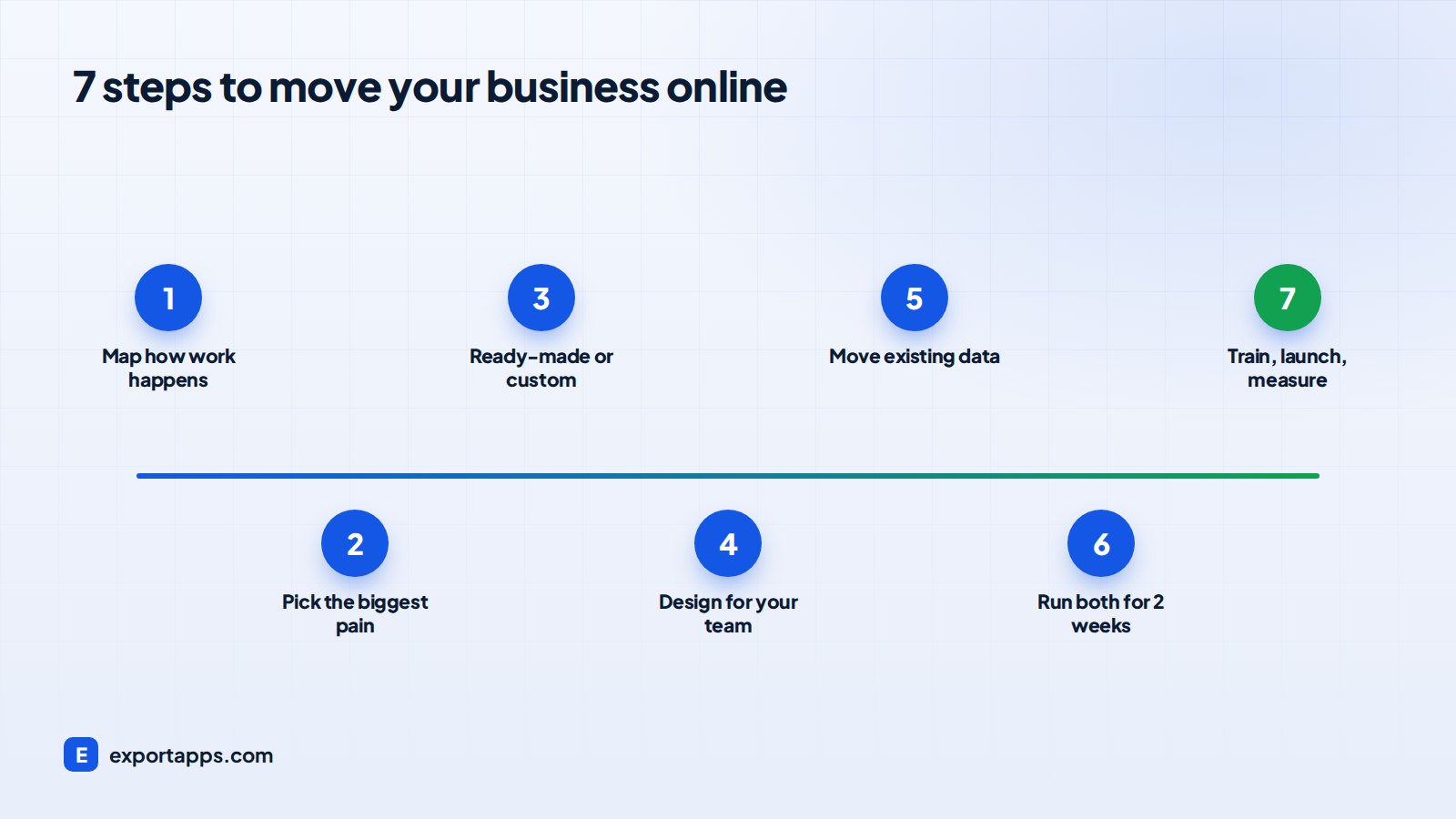
Step 1: Map how work really happens
Follow one order, job or customer from start to finish. Write down every step, who does it, and which tool they use (paper, phone, WhatsApp, Excel). This map shows where time is wasted and where errors happen.
Step 2: Pick the biggest pain first
Do not try to digitize everything at once. Choose the process that costs you the most time or money. For most businesses it is one of these:
- Taking orders and bookings
- Managing customers and follow-ups
- Tracking stock or jobs
- Sending invoices and collecting payments
Step 3: Decide between ready-made and custom
If a popular tool fits your process well, start there. If your process is unique, or you need several tools to talk to each other, a custom system is often simpler and cheaper over time. Our guide on custom vs off-the-shelf software explains how to decide.
Step 4: Design for the people who will use it
Your staff and customers must find the new system easier than the old way, or they will not use it. Keep screens simple, make it work on mobile, and involve the people who do the work in testing.
Step 5: Move your existing data
Customer lists, product catalogs and open orders should be imported, not typed again. Clean up duplicates and old records first.
Step 6: Run both systems for a short time
For a week or two, run the new system alongside the old one. This builds confidence and catches anything that was missed.
Step 7: Train, launch and measure
Short training sessions and a one-page guide are usually enough. After launch, track simple numbers: time per order, errors, sales and customer response time.
Once your data is online, you can automate even more. Read what AI agents can do for your business.
What you gain
- One place for everything: orders, customers, stock and payments
- Live dashboards: see sales and problems as they happen
- Fewer mistakes: no more lost papers or copy-paste errors
- Happier customers: online ordering, updates and faster replies
- Freedom: the business runs even when you are not there
Take the first step
See our Go Digital guide for examples of how businesses like yours moved online, or talk to us for a free review of your current process.