Off-the-shelf CRMs do not fit every business. Learn when custom CRM development makes sense, what it costs and how the build process works.
Your team pays for a popular CRM, but half of them still keep customer notes in spreadsheets. Deals live in email threads, the sales pipeline does not match how you actually sell, and every new workflow needs another paid add-on. If that sounds familiar, custom CRM development may be worth a serious look.
This guide explains when a custom CRM makes sense, when it does not, what features matter, what it typically costs, and how the build process works from first call to launch.
What is a custom CRM?
A CRM (customer relationship management system) is where you store customers, contacts, conversations, deals and tasks. A custom CRM is one built around your exact process instead of a generic template.
It can be a full system built from scratch, or a lighter tool that sits alongside existing software and handles the parts generic CRMs do badly. For many businesses the second option is the sweet spot.
Signs you have outgrown an off-the-shelf CRM
Off-the-shelf CRMs are excellent for many teams. They are fast to set up and full of features. But they are built for the average business, and some businesses are not average.
Watch for these signs:
- Your process does not fit the pipeline. You sell through quotes, site visits, approvals or contracts that the CRM cannot model cleanly.
- Staff work around the system. Spreadsheets, sticky notes and private email folders are a clear signal.
- Per-user fees keep rising. As your team grows, licenses and add-ons can become a large yearly cost.
- You need deep integrations with your own booking system, ERP, warehouse software or industry tools.
- Data rules matter. You need control over where customer data is stored for GDPR, UK GDPR, PIPEDA or CCPA reasons.
For a wider view of this decision, read custom software vs off-the-shelf.

Custom CRM vs off-the-shelf: the honest trade-off
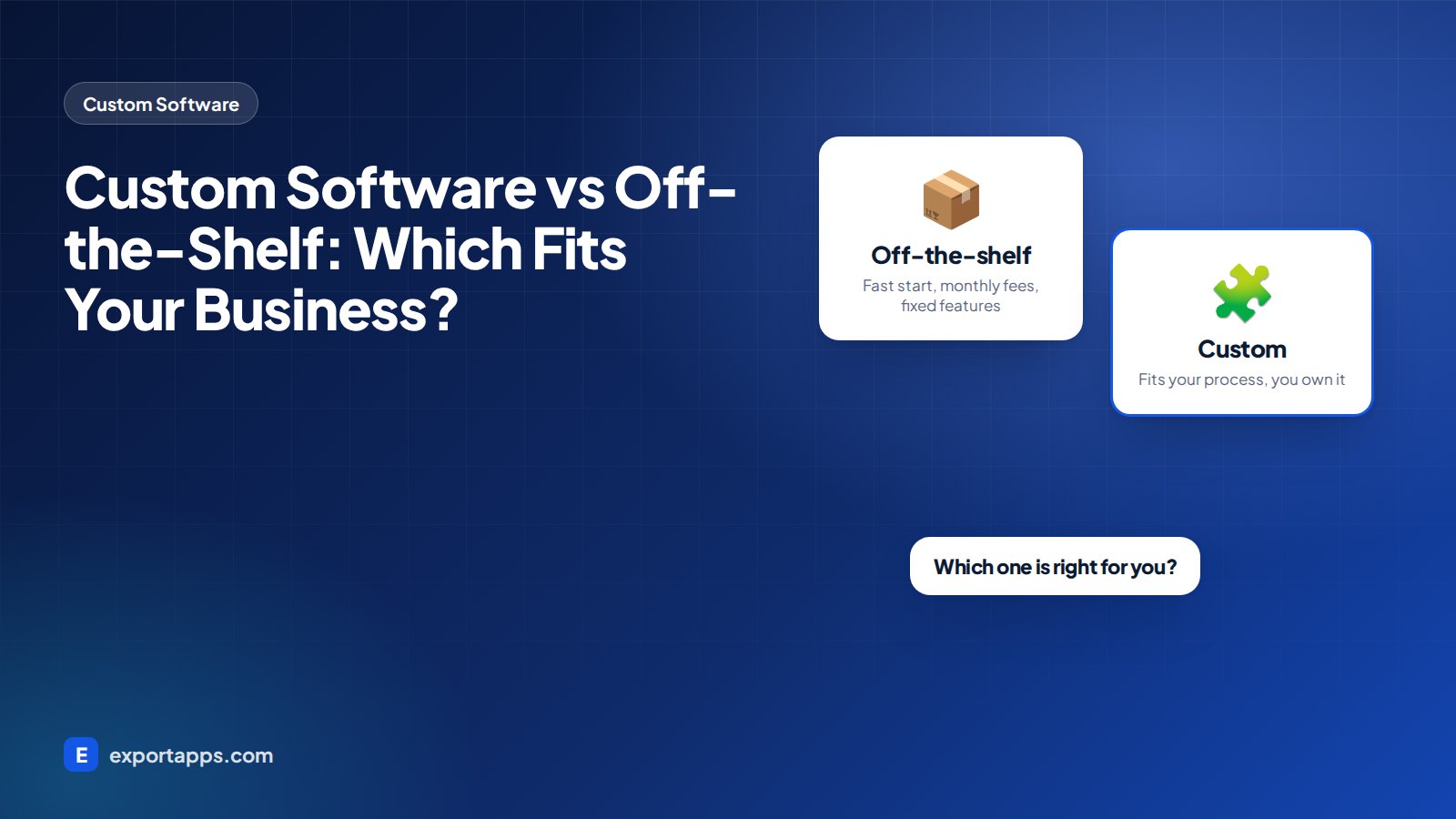
Off-the-shelf CRM
- Quick to start, often in days
- Lower upfront cost
- Large feature set, much of which you may not use
- Monthly per-user fees that grow with your team
- You adapt your process to the tool
Custom CRM
- Built around how your team really works
- Higher upfront investment
- Only the features you need, so it is simpler to use
- No per-user licence fees for the software itself
- You own the code and the data structure
Neither is always better. If a standard CRM covers most of your needs with light configuration, keep it. If your team fights the tool every day, a custom build can pay for itself in saved time.
Features most businesses need in a CRM
A good custom CRM starts small and grows. Common core features:
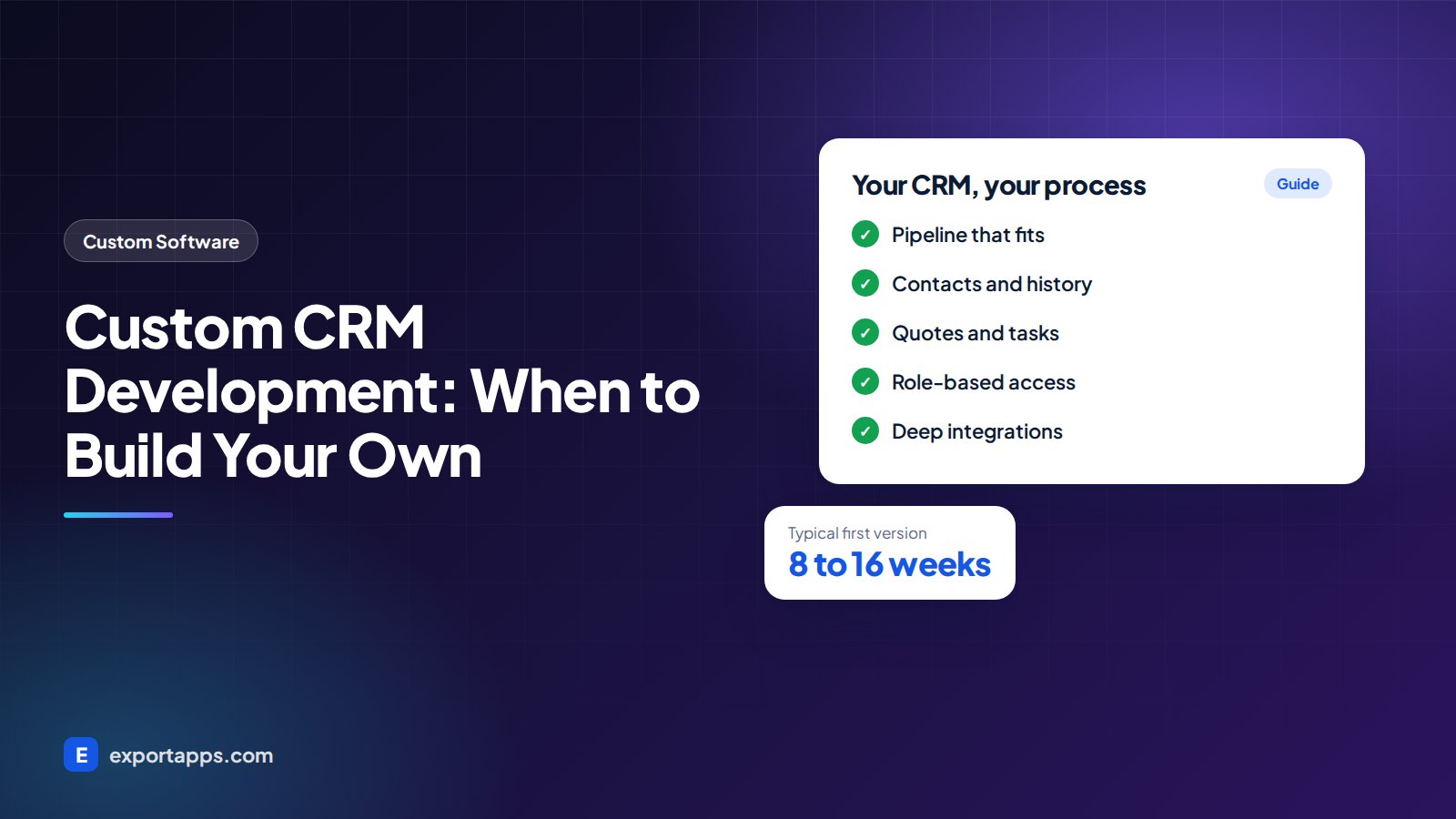
- Contacts and companies with full history of calls, emails and meetings
- A pipeline that matches your real sales stages
- Tasks and reminders so nothing is forgotten
- Quotes and proposals generated from templates
- Role-based access so people see only what they should
- Reports and dashboards for owners and managers
- Integrations with email, calendars, accounting and your website forms
Useful extras, often added in phase two:
- A customer portal for orders, documents and support
- A mobile app for field sales teams. See web app vs mobile app to decide
- AI features that summarize calls, draft follow-ups or score leads, explained in AI agents for business
How custom CRM development works: step by step
Here is the process we follow. Most good teams use something similar.

1. Map your current process
We sit with the people who use the CRM every day: sales, account managers, support and owners. We map how a lead becomes a customer and where things get stuck.
2. Define users, roles and must-have features
Each role gets a short list of tasks they must complete. Must-haves go into version one. Everything else waits.
3. Plan data and migration
We look at where your customer data lives today: an old CRM, spreadsheets, email, accounting software. We plan how to clean it and move it safely. If you are leaving spreadsheets behind, our guide to moving from paper and Excel to online software has useful tips.
4. Design screens and workflows
Wireframes and clickable designs come before code. Your team tries them and gives feedback while changes are still cheap.
5. Build in short cycles
Development runs in one or two week cycles with a demo at the end of each. You see working software early and often.
6. Connect integrations
Email, calendar, accounting, payments, website forms and any industry tools are connected and tested with real data.
7. Test, train and launch
We test with real users, train your team, migrate the data and switch over. Often we run old and new systems side by side for a short period.
8. Improve after launch
Once the team uses the CRM daily, the best ideas for improvements appear. A small monthly plan keeps it improving.
What does a custom CRM cost?
As a typical range, a focused custom CRM for a small or mid-sized team often costs $25,000 to $80,000 (roughly £20k to £63k, €23k to €74k, CA$34k to CA$110k). A large CRM with portals, mobile apps and many integrations can cost more. These are typical ranges and your project may differ.
Compare that with what you pay today in licenses, add-ons and lost time over three to five years. For a full breakdown of what drives price, see custom software development cost.
Keep adoption front of mind
The best CRM in the world fails if nobody uses it. Involve a few people from each team early, let them test designs, and listen to their complaints about the current tool. Make the most common tasks fast: logging a call, moving a deal, adding a note. Clear training and a simple help page on launch day go a long way. When people see the CRM saves them time, they stop keeping private spreadsheets.
Build it right: tips that save money
- Start with one team. Launch for sales first, then add support or operations.
- Keep the data model clean. Good structure early makes reports and integrations easier later.
- Plan for privacy. Customer data is personal data. Build consent, access controls and deletion in from day one. Our guide to privacy-compliant software explains the basics.
- Own your code. Make sure your contract gives you full ownership and repository access. Our guide on how to choose a software development company covers this.
Frequently asked questions
Is a custom CRM better than Salesforce or HubSpot?
Not always. Big CRM platforms are strong products. A custom CRM is better when your process is unusual, your team works around the tool, or license costs keep growing faster than the value you get.
How long does it take to build a custom CRM?
A focused first version typically takes 8 to 16 weeks, depending on features, integrations and data migration.
Can I move my data from my current CRM?
Yes, in most cases. Most CRMs allow data exports. The work is in cleaning duplicates, mapping fields and testing the import before go-live.
Can a custom CRM grow with my business?
Yes. A well-structured CRM can add new modules, users, portals and apps over time without starting again.
Talk to us about your CRM
If your current CRM is holding your team back, we can help you decide whether to configure, extend or build. Export Apps maps your process, then gives you a clear fixed quote. See our custom software development services or book a free consultation.